Built for focus. Designed for control.
A sidebar on the left for navigation. A main area in the center for the active page. Status indicators where you need them. The app checks what the agent can do on startup and only shows pages that are available — so the interface is always clean and honest about what is possible.
The real thing. No mockups.
Actual screenshots of Hermes SwitchUI running with the Matrix theme. Every page is a local web page — no cloud, no remote servers.
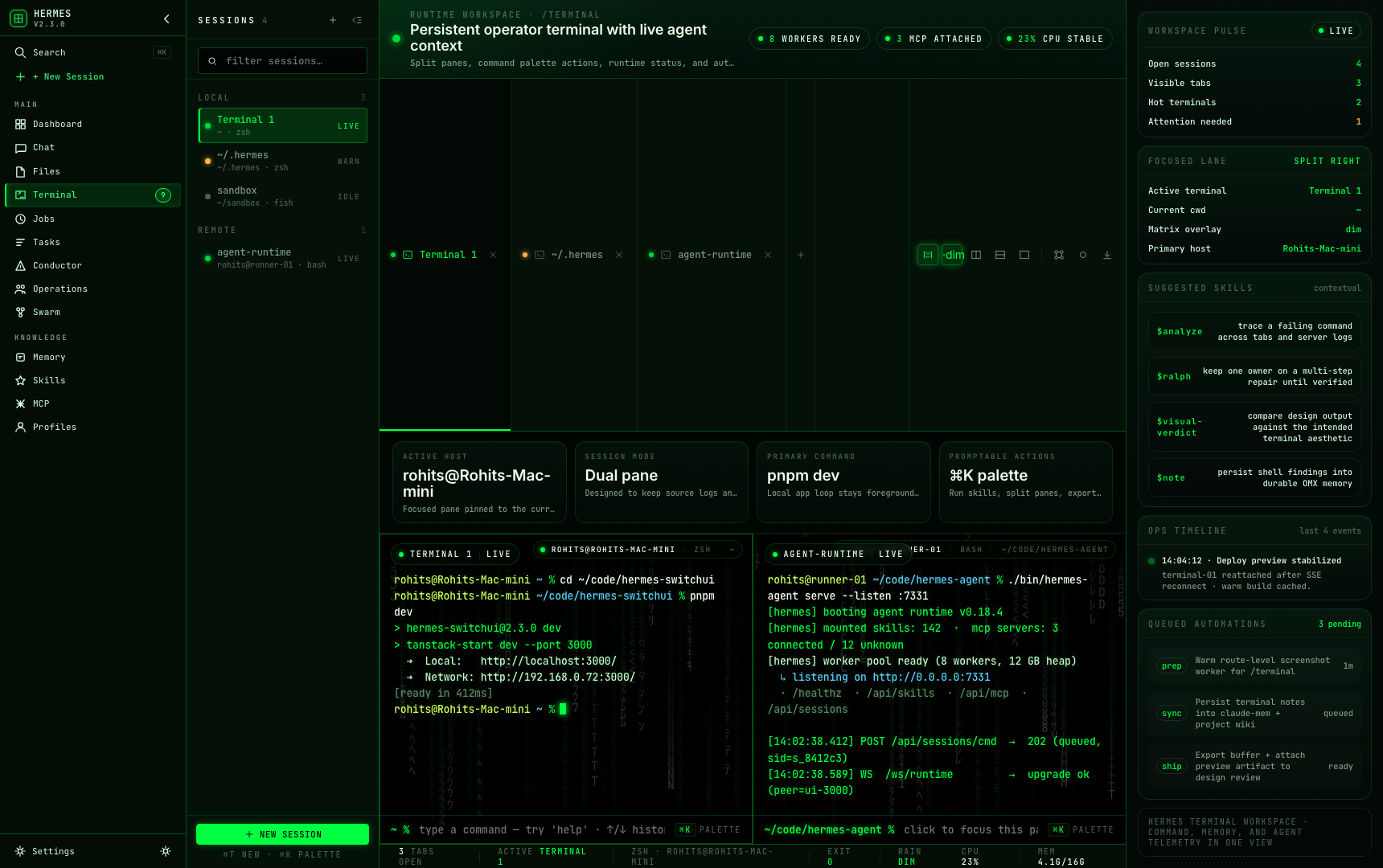
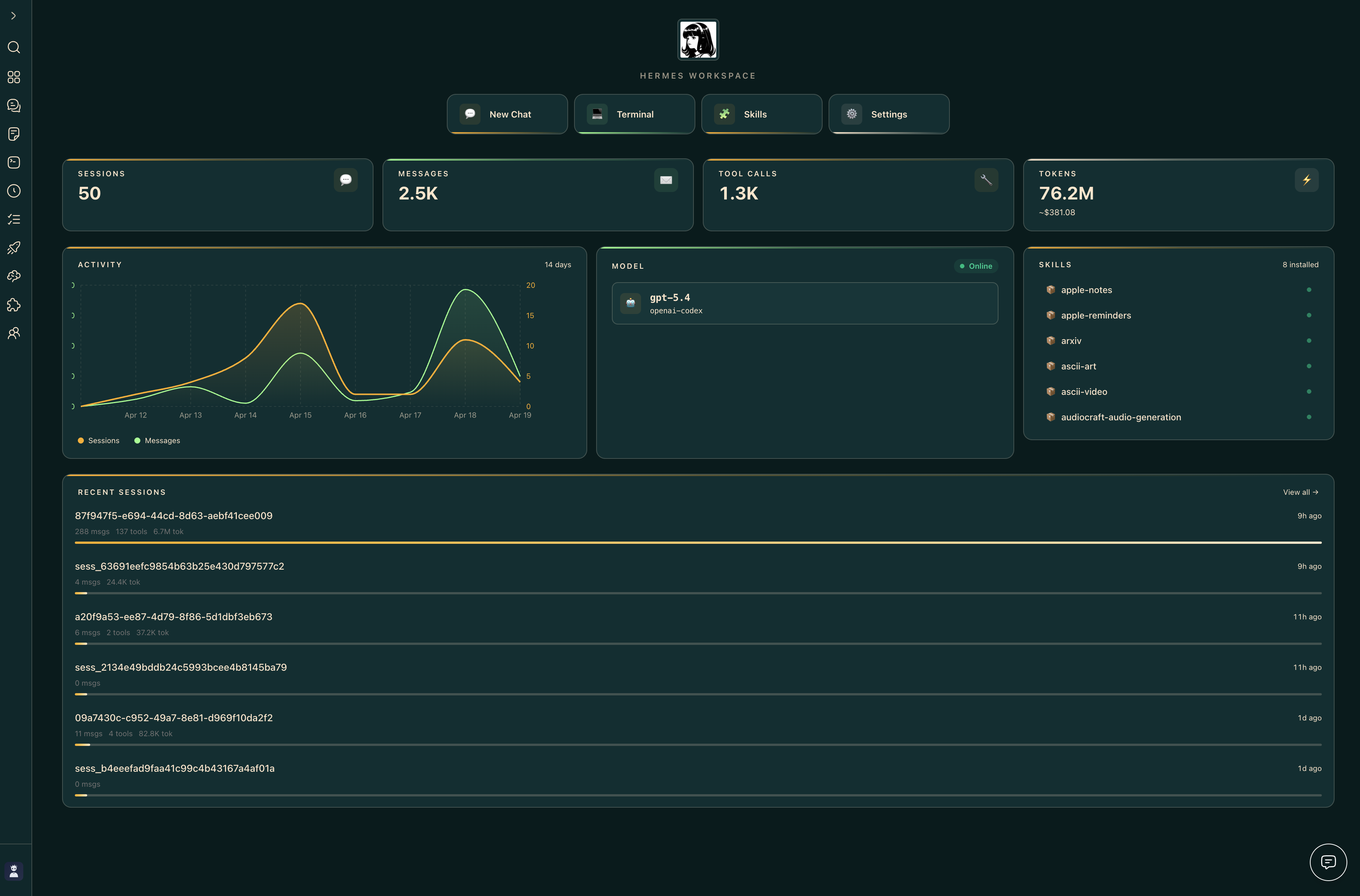
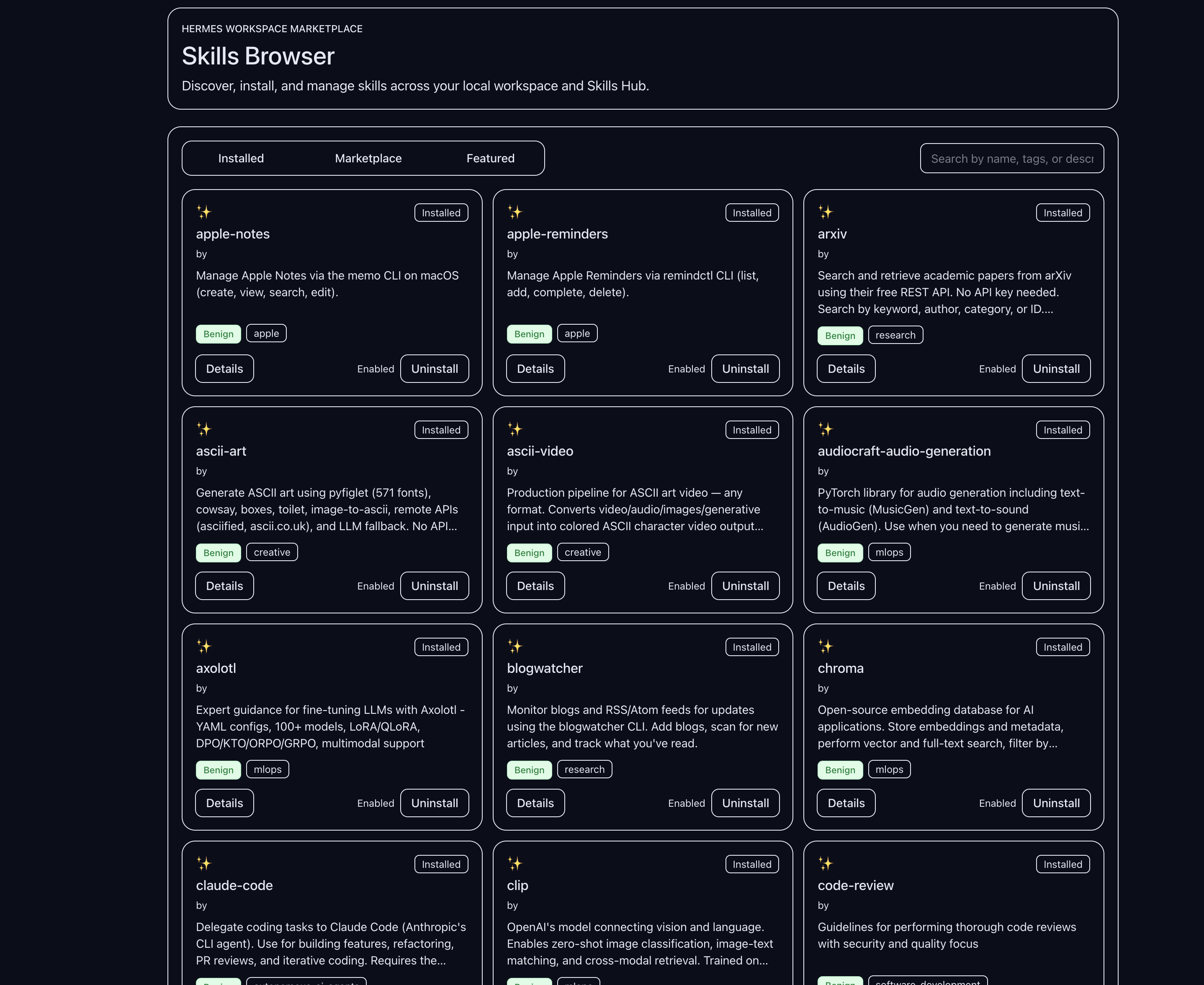
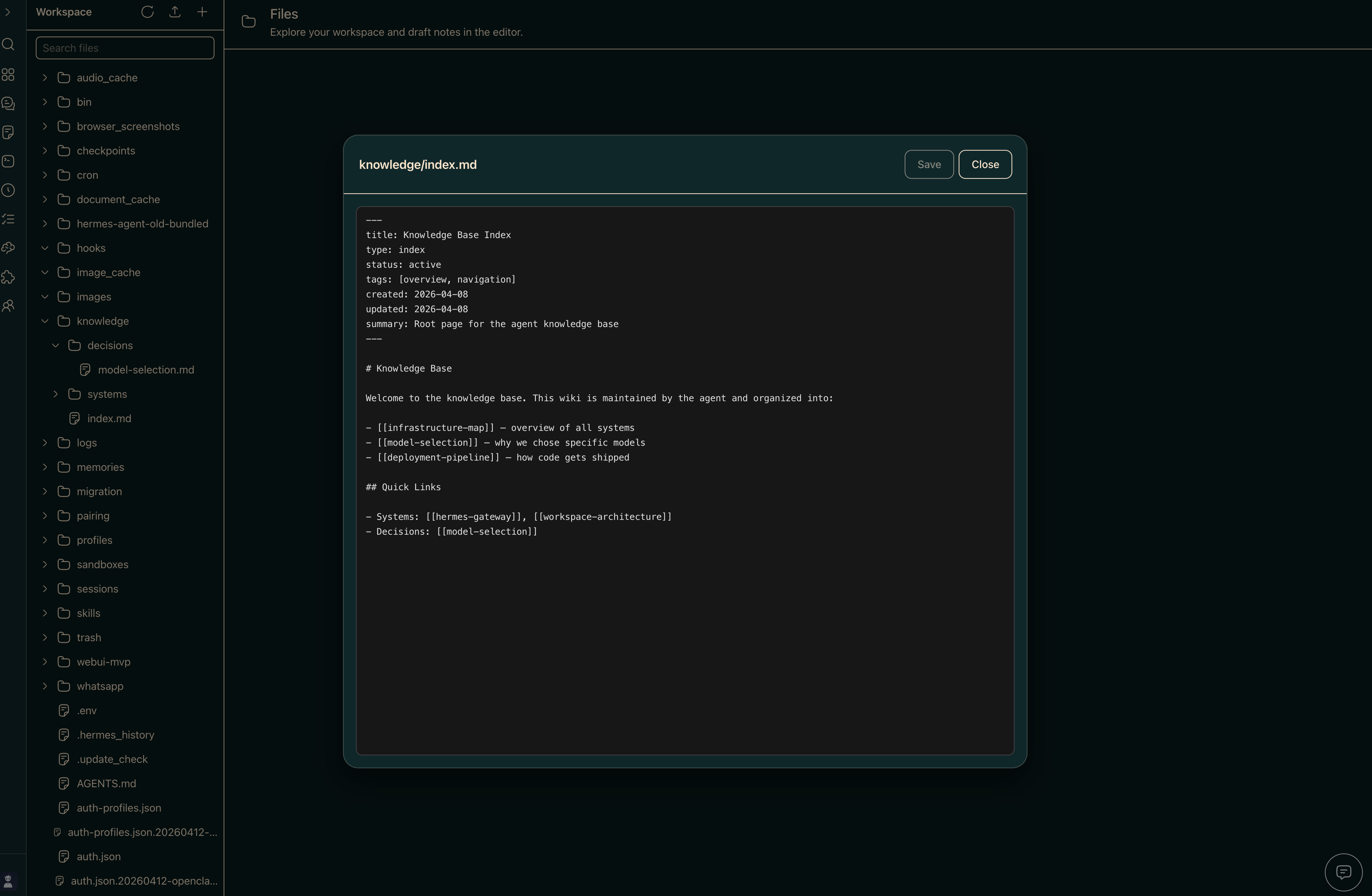
Six features you will use every day.
Chat
Talk to any AI model with live streaming responses. Pick your provider, and the interface handles the rest.
streamingTasks
A visual Kanban board for managing everything the agent is working on. Drag cards between columns to update status.
kanbanCommands
Save and reuse prompts as slash commands. Build a library of workflows you trigger with a quick /command.
saved promptsFiles
Browse, read, and edit files on your machine directly from the browser. The agent has access to the same files.
local accessJobs
Schedule background tasks to run on a timer. See what succeeded, what failed, and what is running right now.
scheduledMemory
See exactly what the agent remembers between conversations. Read, edit, and manage its long-term memory files.
persistentThese features appear automatically when the agent supports them. If something is not available, the interface simply hides it — no errors, no clutter.
■ Boards
Visual Kanban boards for managing agent tasks. Drag cards between columns to update status.
■ Board Templates
Pre-built board blueprints with variables, task dependencies, and recurrence rules. Create a board in 5 steps.
■ Workflows
Design multi-step agent processes as visual flowcharts. Branch, loop, and chain tasks together.
■ Conductor
A mission-control view for coordinating multiple agents working on different parts of a task.
■ Operations
Real-time dashboards showing what the agent and gateway are doing right now.
■ Matrix3D
A 3D visualization of your agents at work — watch them pick up tasks and execute tools in a virtual office.
■ Profiles
Create agent personas with custom personalities, toolsets, and capabilities. A guided 9-step wizard makes it easy.
■ Self-Improve
The agent proposes improvements to itself. You approve, it applies, tests, and keeps or reverts automatically.
■ Skills
Browse, customize, and create reusable skills the agent can call on during conversations.
■ MCP
Connect external tool servers via Model Context Protocol. The agent uses their tools automatically.
■ Memory
See exactly what the agent remembers between conversations. Read and edit its persistent memory files.
■ Jobs
View scheduled background tasks and their run history. See what succeeded, what failed, and what is running now.
■ Tasks
Detailed checklists and tracking for multi-step agent runs. See progress at a glance.