Conductor
Conductor
Plan, route, and monitor multi-agent missions from a single orchestration surface.
Status: The Conductor UI was fully rebuilt in this codebase as of May 2026. The new screen is functional but live DAG rendering is noted in code as “coming in a follow-up.” Some panels may show placeholder data until the backend mission API returns live results.
Data dependency: Conductor fetches mission data from /api/conductor/missions on the gateway. The route loads unconditionally — there is no capability gate at the route level. If the gateway does not expose that endpoint, the mission list will be empty but the page still renders.
What you see
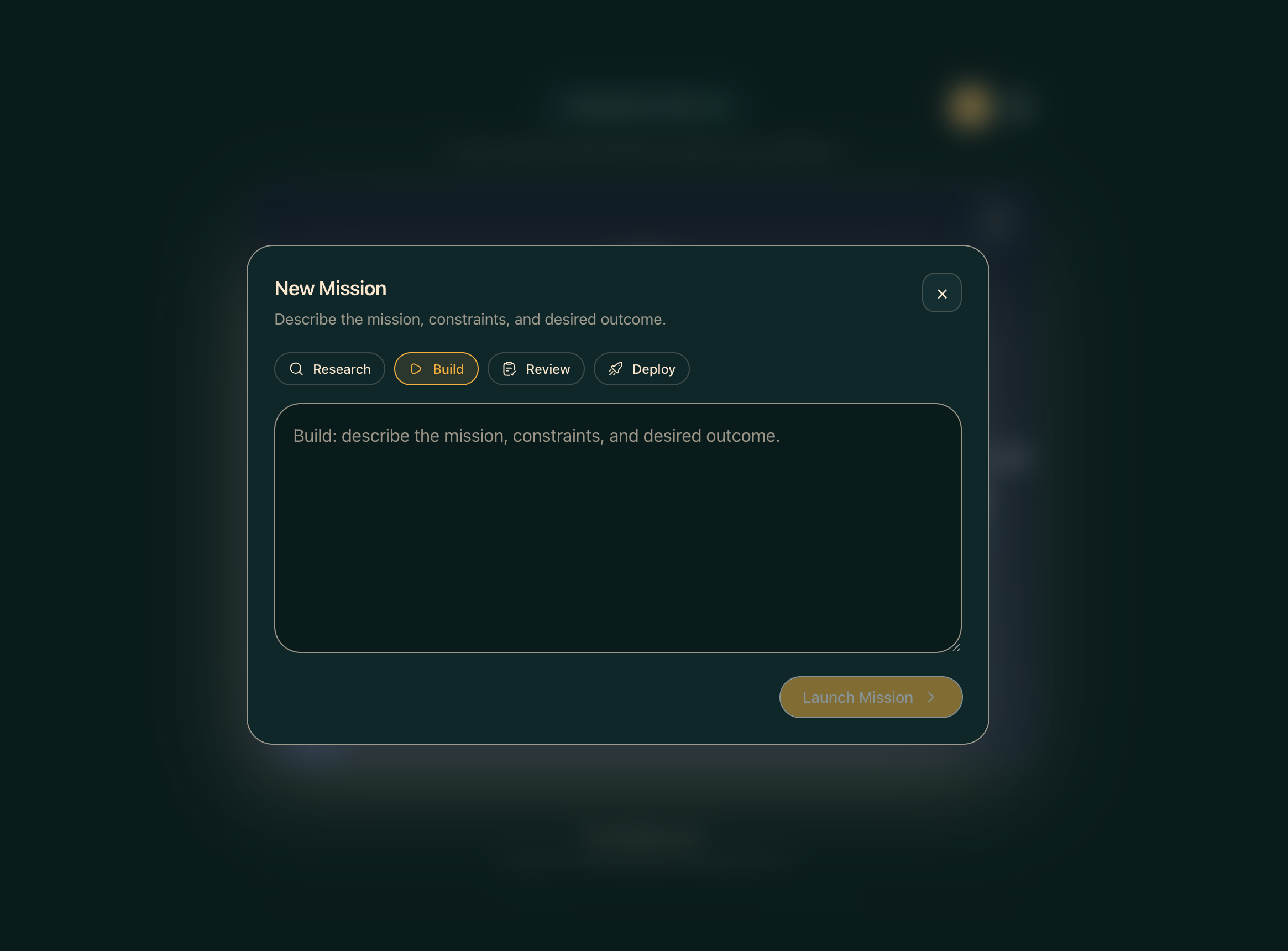
The page is composed of a top bar, a main content column, and a right-hand mission rail. A LaunchWizard modal handles workflow selection and launch.
Major regions
Conductor top bar (ConductorTopBar)
A header strip with the Conductor title and global controls.
Now-playing strip (NowPlayingStrip)
A horizontal phase progress strip beneath the top bar showing the active mission’s lifecycle: plan → route → execute → review → report. Each phase is styled as done, now, or pending. The strip binds to the focused mission from useConductorMissions; if no mission is focused it falls back to the first live mission.
Mission canvas (MissionCanvas)
The central area renders a static DAG (directed acyclic graph) SVG showing the reference 3-tier orchestration model — Coordinator, Specialists, Workers. Live DAG rendering that reflects actual mission state is noted in code as coming in a future update.
Worker lanes (WorkerLanes)
A panel below the canvas showing individual worker agent lanes for the active mission.
Mission detail drawer (MissionDetailDrawer)
A slide-in drawer with full detail for the selected mission, including status, phase, and worker assignments.
Mission rail (MissionRail)
A right-hand sidebar listing all missions for the day with count pills for live, done, and error states. A New Mission button opens a workflow picker — a modal listing all workflow definitions from the Workflows page. Selecting one launches the LaunchWizard for that workflow.
Common workflows
- To start a new mission: click New Mission in the mission rail, pick a workflow from the picker, and complete the
LaunchWizard. - To inspect a running mission: click it in the mission rail; the canvas and now-playing strip update to reflect its state.
- To filter the mission list: use the filter tabs (live / done / error) at the top of the mission rail.
Where data comes from
Mission data is fetched via useConductorMissions() which polls /api/conductor/missions (proxied to the gateway). Workflow definitions come from the same source as the Workflows page. UI state (focused mission, filter tab) is managed by useConductorUIStore in Zustand.
Common issues
- Mission list is empty — the gateway may not yet expose
/api/conductor/missions. Check that your Hermes Agent build includes the Conductor API and is running. - DAG shows a static diagram — live DAG rendering is not yet implemented. The diagram is a reference illustration only.
- Workflow picker is empty — no workflow definitions exist yet. Create one on the Workflows page first.
Related
- Workflows — define the workflow templates that Conductor launches
- Operations — monitor individual agent health and dispatch tasks
- Tasks — task board populated by agent work