Preferences
Preferences
Settings in Hermes Switch UI are organised into a sidebar-navigated screen. Open Settings from the sidebar (gear icon). The left sidebar groups sections by category; the right pane shows the active section’s controls.
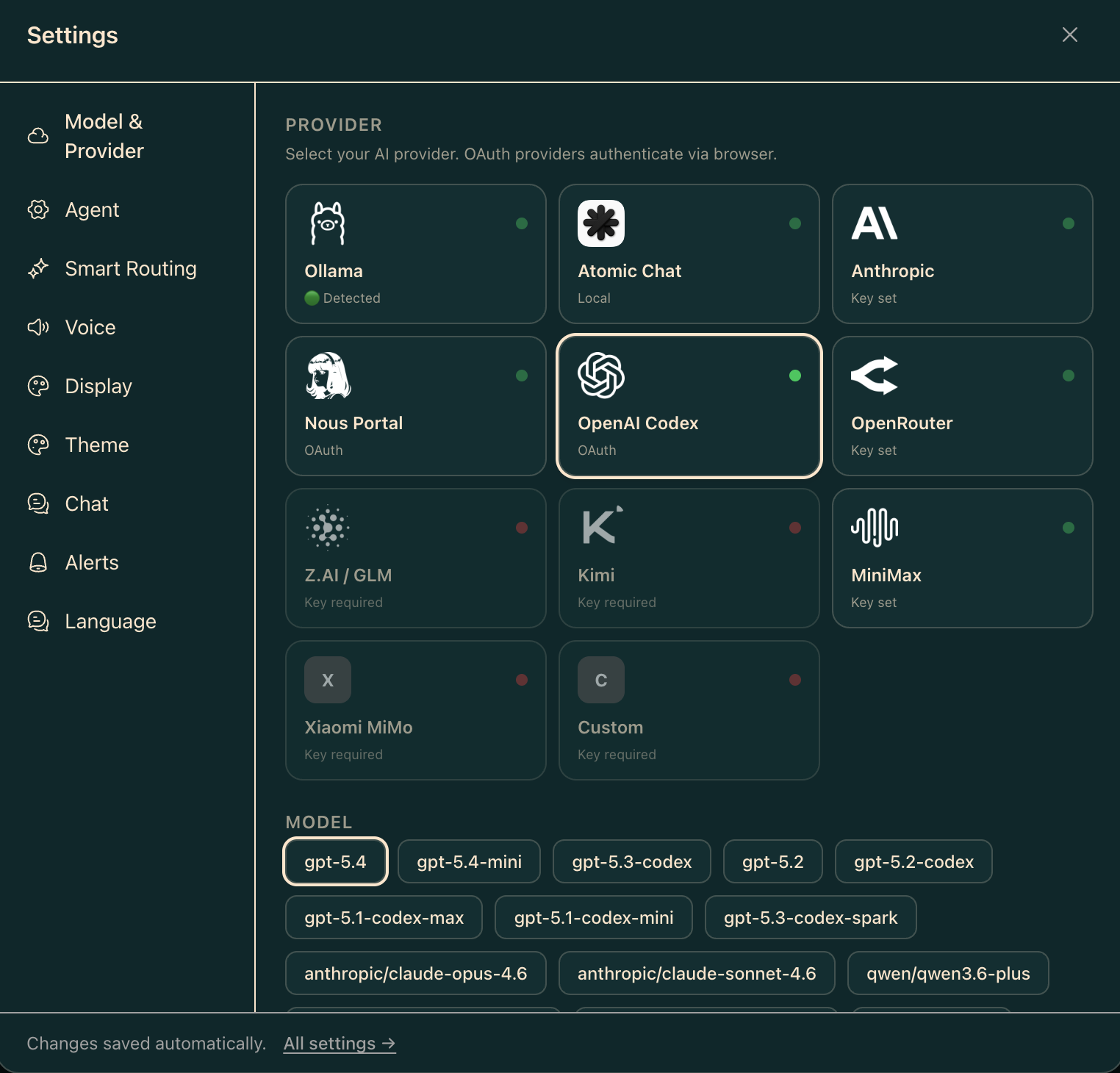
What you see
The sidebar lists sections under these groups:
General
- Workspace
- Account
- Appearance
- Notifications
Models
- Provider
- Model Registry
Agent
- Runtime
Memory
- Memory & Wiki
Skills
- Skills
MCP
- Servers
- Registered
System
- Storage
- Privacy
- Telemetry
- API Keys
- Network
- Performance
Shortcuts
- Shortcuts
Advanced
- Advanced
- Raw config
Danger
- Danger Zone
The active section is persisted to localStorage under the key hermes.settings.section so the last-viewed section reopens on the next visit.
Settings sections
Workspace
General workspace settings such as name and default behaviours.
Account
Account-level configuration.
Appearance
Visual theme, layout density, and font preferences. See Themes for details on the theme picker. Also exposes density (Compact / Comfortable / Spacious), monospace font selection, and Matrix Rain toggles.
Notifications
Notification preferences and alert controls.
Provider
Active provider and model selection. Shows the current provider’s capabilities (context window, tool use, vision, reasoning). Includes an Open Providers → link to the full /settings/providers screen. See Built-in providers.
Model Registry
Advanced model catalogue configuration.
Runtime
Agent runtime options. Available controls depend on which capabilities your gateway exposes.
Memory & Wiki
Memory search provider configuration and wiki settings.
Skills
Skill management. See Skills.
Servers / Registered
MCP server configuration. See MCP.
Storage
Local and remote storage settings.
Privacy
Privacy and data-handling preferences.
Telemetry
Telemetry and usage reporting options.
API Keys
Manage API keys stored in the agent environment (~/.hermes/.env). See API keys.
Network
Network and proxy settings.
Performance
Performance tuning options such as stream timeouts.
Shortcuts
Keyboard shortcut customisation.
Advanced / Raw config
Advanced configuration options and a raw YAML config editor.
Danger Zone
Destructive operations such as resetting configuration or clearing data.
Where data lives
Settings are stored either in localStorage (display/theme/density preferences, which are local to the browser) or in the agent config file at ~/.hermes/config.yaml (provider, model, and agent settings that apply across all clients). The save bar at the bottom of the screen appears when there are unsaved changes.
Common issues
A section is missing. Some sections depend on gateway capabilities or build phase. If a section does not appear, your gateway may not report the required capability.
Changes don’t persist after reload. Browser storage may be restricted. Ensure localStorage is allowed for this origin.
Related
- Themes — theme picker detail
- Built-in providers
- API keys