Installing a skill from the hub
Installing a skill from the hub
The Skills Hub is a searchable catalogue of community-contributed skills. You can browse it directly from the Skills page and install a skill in a few steps.
Prerequisites
- The Hermes Agent gateway must be running.
- The gateway must expose the skills API endpoint. If the Skills Hub shows “unavailable”, check that your agent version supports hub search.
How to install a skill
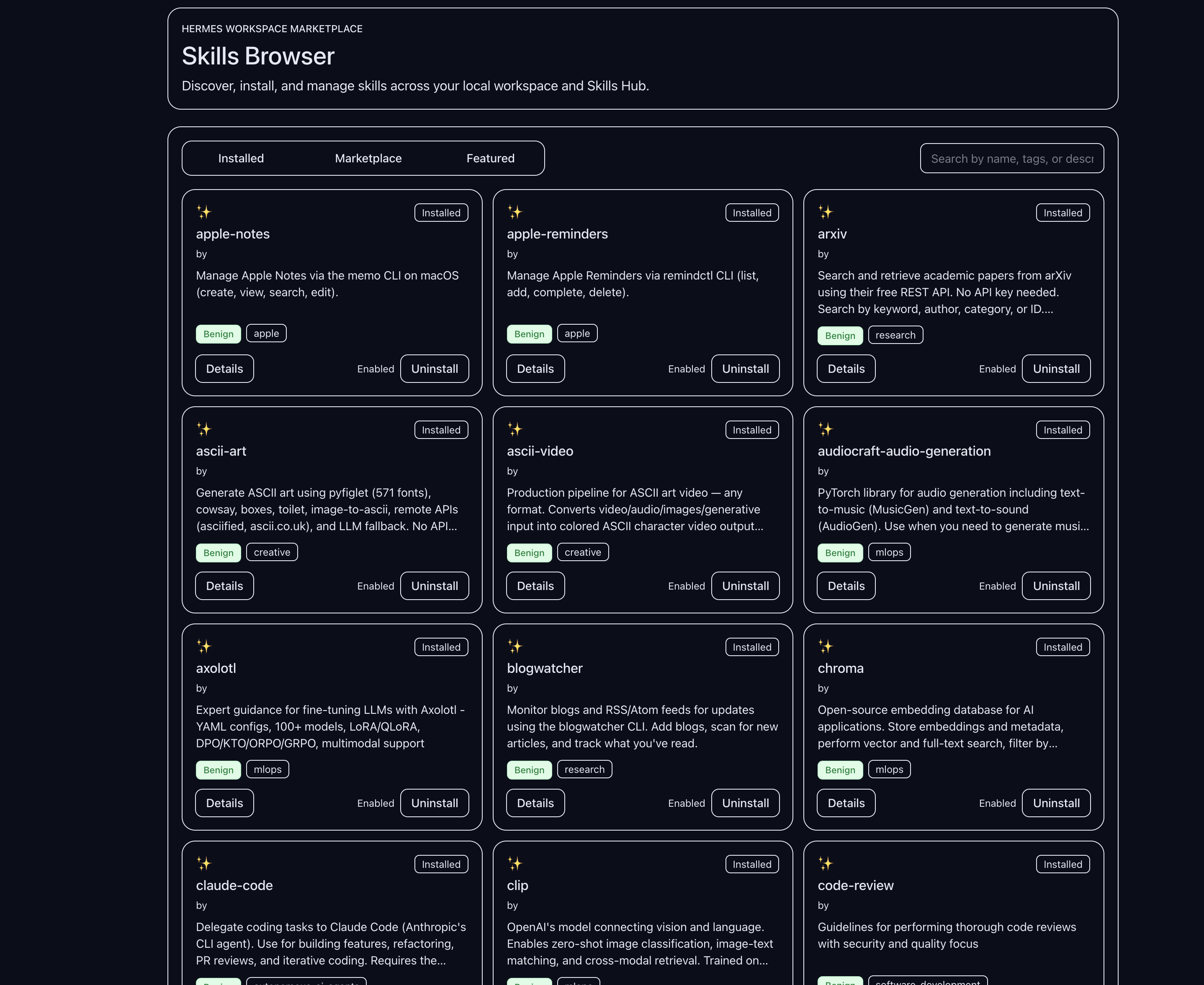
- Navigate to Skills in the sidebar.
- Select the Marketplace filter in the toolbar. The grid switches to hub results.
- Type in the search box to find a skill by name, description, or tag. Results update as you type.
- Click a skill card to open the detail drawer.
- Review the skill description, author, tags, and security risk level.
- Click Install in the detail drawer. A confirmation dialog appears.
- Confirm the installation. The skill is downloaded and installed to the agent’s skills directory.
After installation the skill appears in the Installed view and is immediately available for the agent to use.
Where installed skills land
Skills installed from the hub are written to the agent’s skills directory on the host machine (typically ~/.hermes/skills/). The full path is shown in the skill card once installed.
Enabling and disabling
Installed skills are enabled by default. To disable a skill:
- Switch to the Installed filter.
- Click the skill card to open the detail drawer.
- Use the enable/disable toggle in the drawer.
Disabled skills remain on disk but are not loaded by the agent.
Removing a skill
Skill removal is not currently available from the UI. To remove a skill, delete its directory from the agent’s skills path on the host machine and restart the agent.
Common issues
Hub search returns no results. Confirm the gateway is running and reachable. The Hub search falls back to showing installed skills if the hub endpoint is unavailable — the page header will indicate this.
Install button is not available. Some hub entries may be read-only references without a directly installable package. Check the skill’s homepage link in the detail drawer.